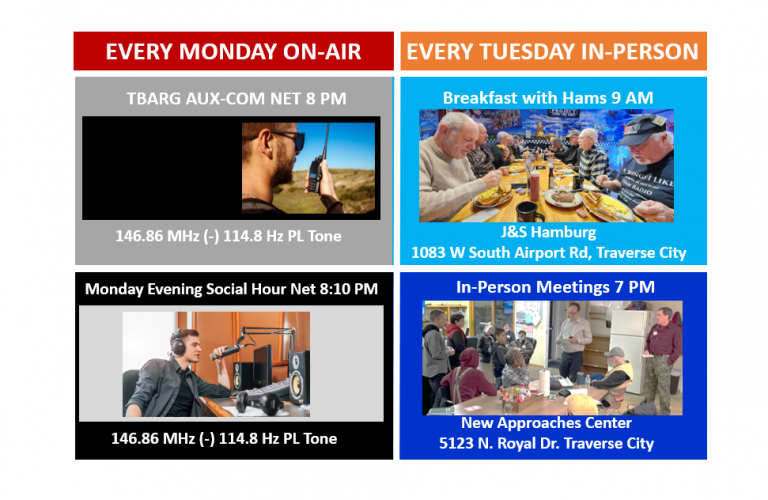
October Club Meeting – was held at 5123 North Royal Drive, Traverse City, MI starting at 7:00 PM
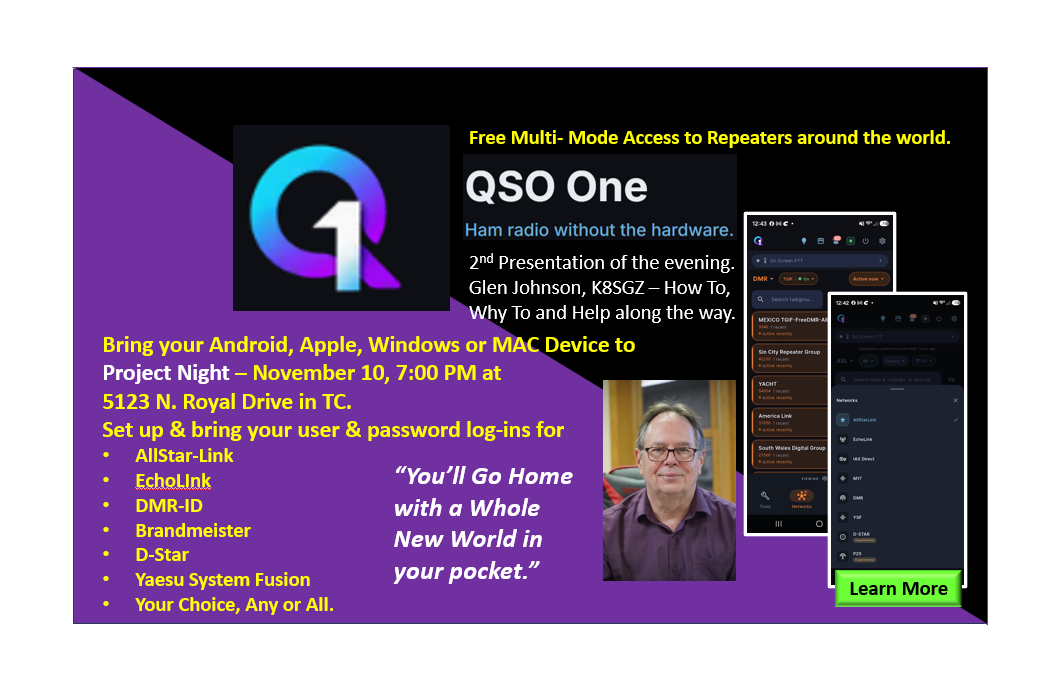
There were to be two presentations – One by Kevin KF8AGY and Another by Glen, K8SGZ. Both fascinating. We got one done. Kevin’s was captivating. Thus, we didn’t have enough time to get into QSO-ONE with Glen. So we will do that on November 10th at the address above.
Kind of good thing – as today QSO-ONE announced they now work on Apple and MAC platforms.
So, Get your credentials set up with Allstar, EchoLink, DMR (RadioID.net) then Brandmeister and TGIF. You’ll need to log into each account on the QSO-ONE app. If you want to operate D-Star or System Fusion, you’ll need to have log-in credentials, User & Password those as well.
What we will do on Tuesday is load QSO-ONE on your phone/tablet or whatever, then walk through entering your AllstarLink – user name and password for Allstar. Then enter in DMR section your DMR-ID and your self-care password. Then you’ll want to do the same with Brandmeister, TGIF, That takes care of your DMR access, Moving on the D-STAR or System Fusion – you’ll just do the same. Then suddenly, your phone is worth a fist-full of radios that you don’t need to carry with you around the world. And you are still in touch with all your systems.
Handy Hint. When you get your DMR Number from Radio ID you will also need to make note of your “self-care” password in your account. It’s a critical item and you can set your own self-care password, but you’ll need it to set up QSO-One.
About the Author